2 • Essentials
Résumé de section
-
-
Populating your institutional page and/or personal web page
Even if you are only attached to your research unit while working on your thesis, you will need a personal web page on the research unit or host institution website.
This will give your work extra credibility. Journalists, for example, can use your web page to link your online work to the host institution, which is important in terms of reliability. Furthermore, the institutional page identifies you with a recognized scientific field and community.
However, the site may not be easily editable. Contact your laboratory director or the head of your institution’s Communications Service for access to edit your web page.
The page should preferably include the following information:
• A subject field (with relevant keywords related to your work)
• Your HAL and ORCID IDs
• Your contact details (a professional email address in particular)
• Your academic and professional credentialsYou may also want to include:
• A list of publications from HAL (see below)
• A picture to create a visual link between your presentations (e.g., at a conference) and the rest of your publications
• A link to a personal website (e.g., a research blog)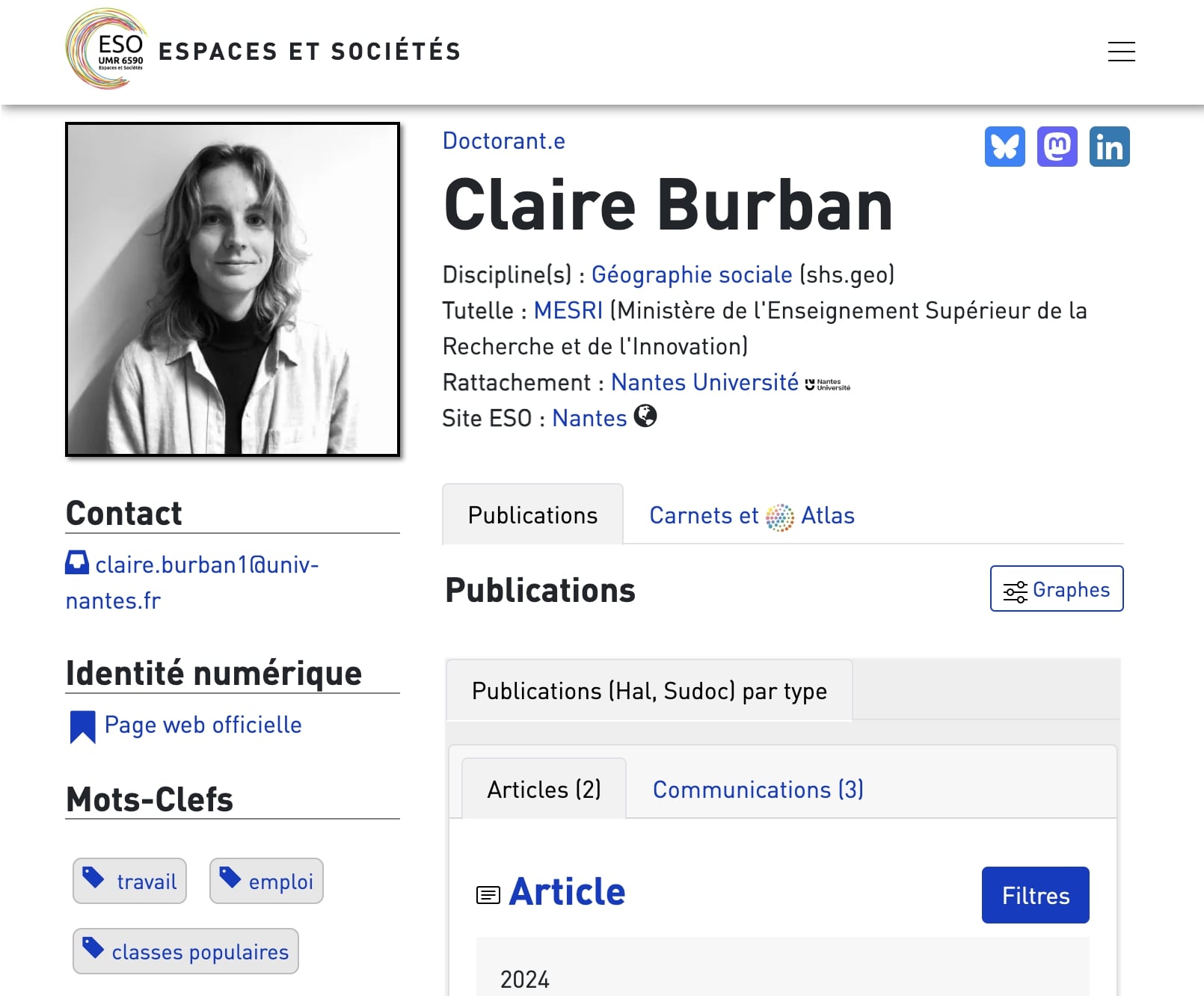
-
A few sample profiles on institutional pages:

Mikaël Kepenekian CTI Team Leader - CNRS Research Director
Professor of Chemistry (page hosted on the lab's website)

Pascal Plantard Professor
Professor of Education Sciences (Rennes 2 University allows all staff to create a personal page on its website)

Iza Marfisi Professor
Professor of computer science (lab page)

Claire Burban Doctoroal student
Doctoral student in geography (lab page)

Margaux Bonnardot Doctoral student
Doctoral student in health studies (lab page)
-
Creating a static professional website
Another option is to create a static website with a few pages using free online tools such as:
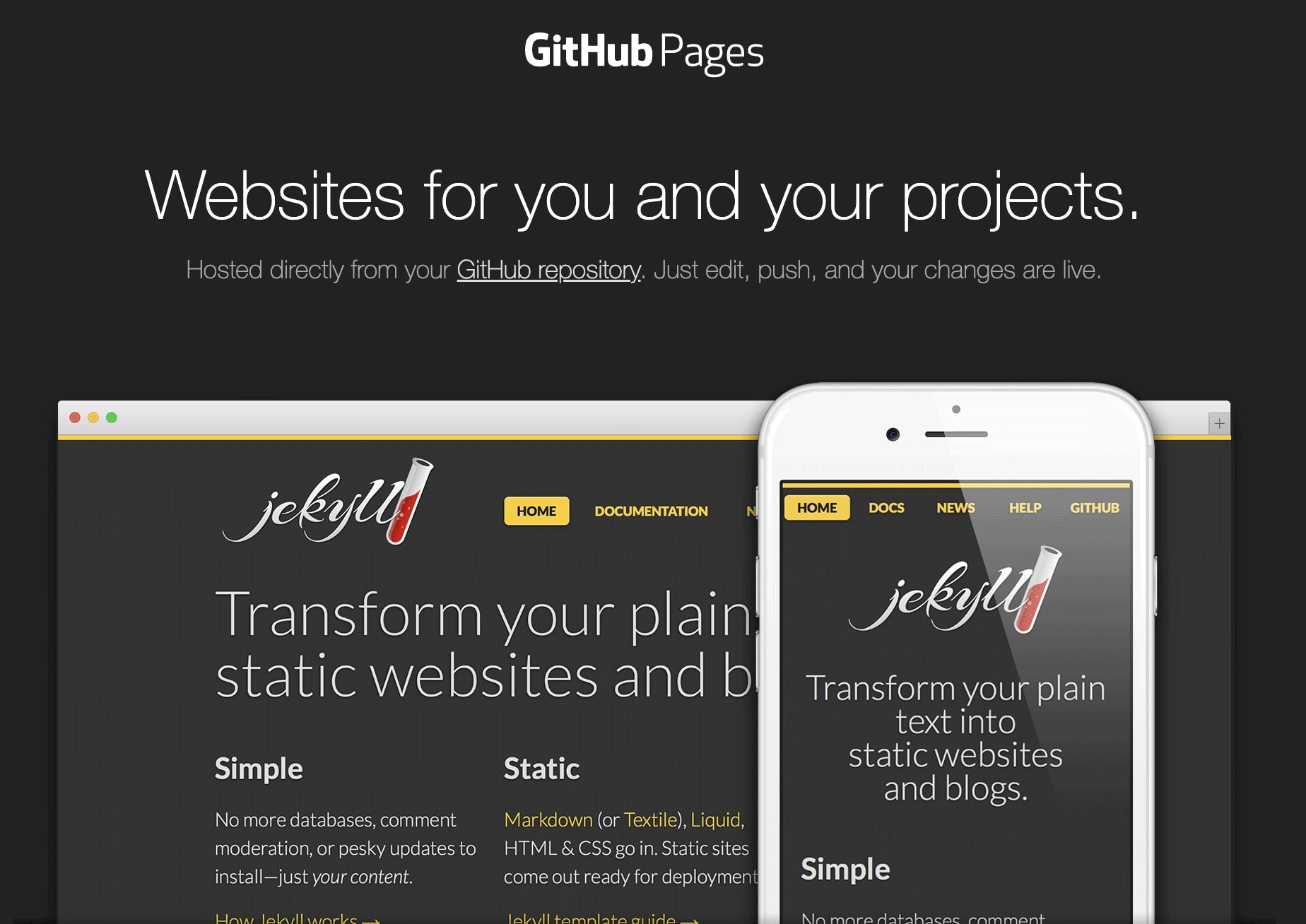
Creating a web site requires certain skills but you don't need to be a developer to publish a static site using these tools. Any researcher who is moderately proficient with a text editor should be able to create one.
Basic proficiency with Git is a plus, though it’s not essential.
Static sites are lightweight alternatives to dynamic sites generated by CMSs (Content Management Systems) such as Wordpress or Drupal. These remain valid options, whether they are third-party hosted (e.g., Huma-Num for Hypotheses.org (opens in a new tab) by your university, or by yourself on a server to which you have access.
Further insights
Researcher Jisell Howe, on one of her website pages (created with Quarto), explains how and why she dropped a dynamic website on WordPress servers in favor of a static website published via a GitHub repository. This post provides a fairly comprehensive overview of the procedure.
-
Integrating your HAL publication list
Whether you are using a static or dynamic site, you can upload your updated list of HAL publications:
- For static sites, use SpirHAL, which automatically generates a list of your publications on HAL.
- For CMSs such as WordPress or Drupal, specific HAL extensions are available (extension WordPress, extension Drupal)