The Researcher’s Digital ID
Résumé de section
-
This module explains why you need to set up a digital ID as a researcher and how to go about creating one.The primary purpose of digital ID is to increase the visibility of your work and give you recognition as an expert in a given field. The institutions that employ researchers also need to keep track of their scientific output, particularly in the context of national reviews. The module will help you devise a comprehensive, consistent and lasting strategy to organize your digital ID.
The first part of the module focuses on practical digital ID creation details. The second part deals with
- Creating your academic IDs
- Developing your online visibility
- Promoting your work and communicating on your thesis
This course is open access!
Traduction : Daniel Toudic

This course is open access!
No need to create an account or sign in, but you will only have read-only access.
-
This section walks you through the essential digital ID creation and management tools. It begins with a presentation of the key IDs - ORCID and IdHAL -, which allow you to harmonize and pool your researchoutput. You will also learn how to develop your institutional presence through laboratory web pages and personal websites, and which optional platforms to use to enhance your online research visibility.
-
-
Populating your institutional page and/or personal web page
Even if you are only attached to your research unit while working on your thesis, you will need a personal web page on the research unit or host institution website.
This will give your work extra credibility. Journalists, for example, can use your web page to link your online work to the host institution, which is important in terms of reliability. Furthermore, the institutional page identifies you with a recognized scientific field and community.
However, the site may not be easily editable. Contact your laboratory director or the head of your institution’s Communications Service for access to edit your web page.
The page should preferably include the following information:
• A subject field (with relevant keywords related to your work)
• Your HAL and ORCID IDs
• Your contact details (a professional email address in particular)
• Your academic and professional credentialsYou may also want to include:
• A list of publications from HAL (see below)
• A picture to create a visual link between your presentations (e.g., at a conference) and the rest of your publications
• A link to a personal website (e.g., a research blog)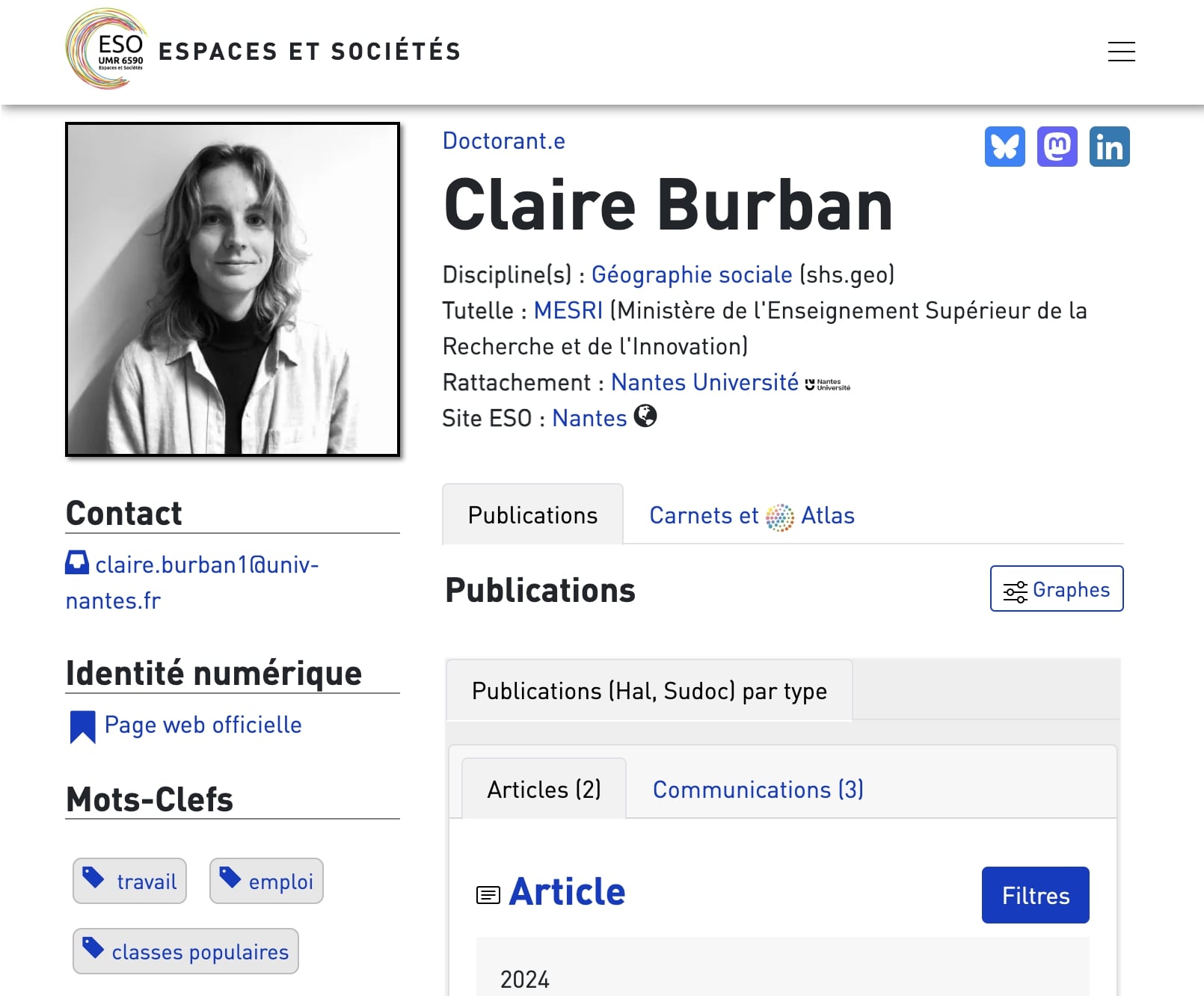
-
A few sample profiles on institutional pages:

Mikaël Kepenekian CTI Team Leader - CNRS Research Director
Professor of Chemistry (page hosted on the lab's website)
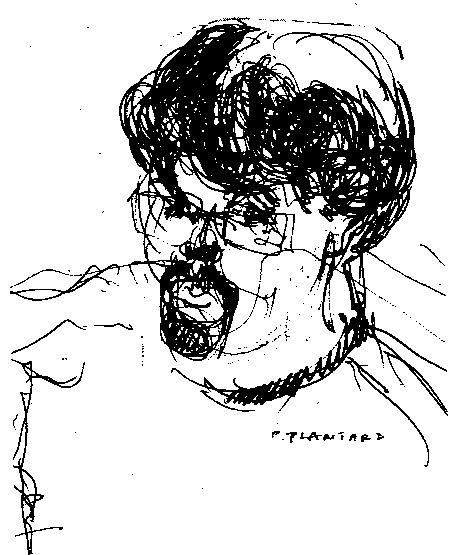
Pascal Plantard Professor
Professor of Education Sciences (Rennes 2 University allows all staff to create a personal page on its website)
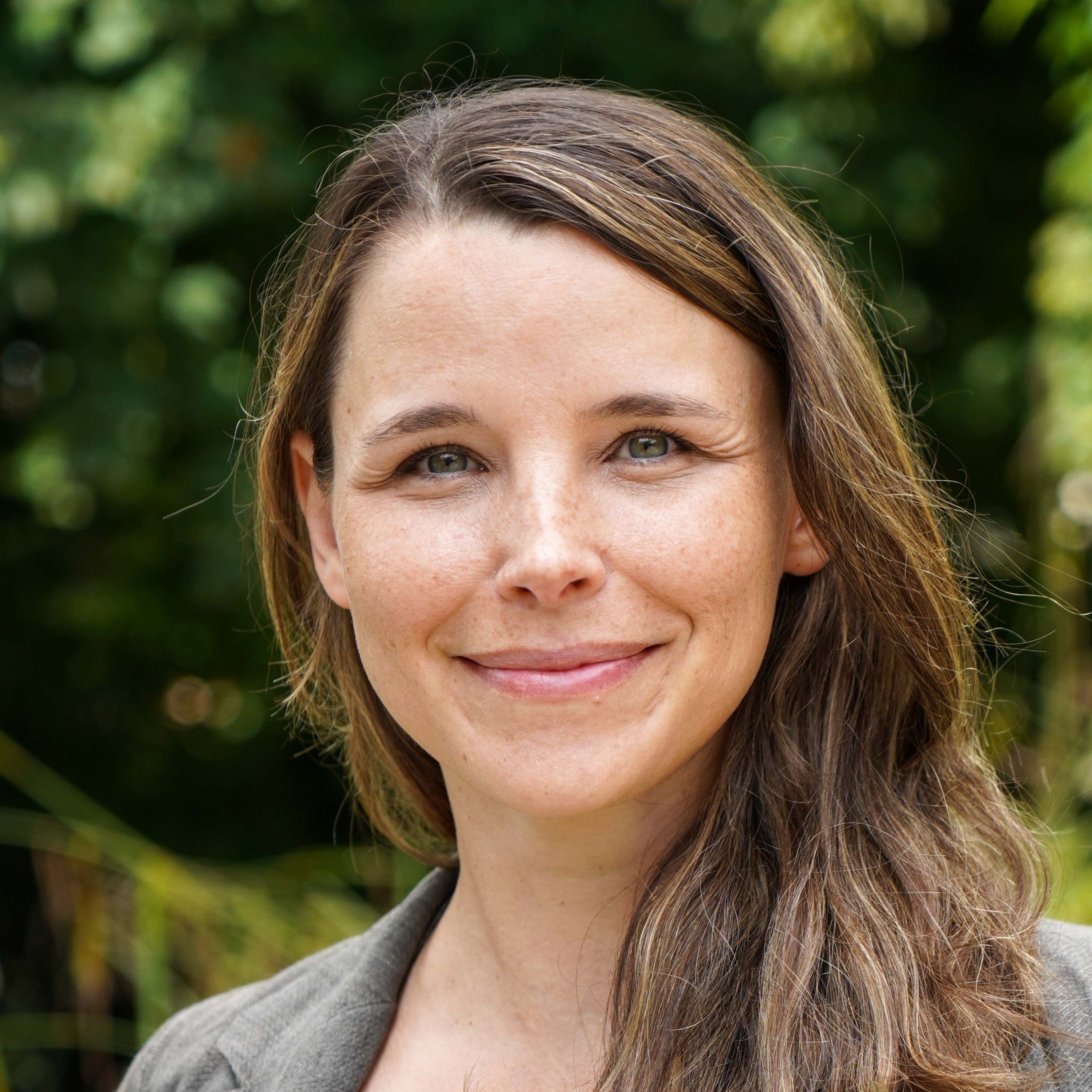
Iza Marfisi Professor
Professor of computer science (lab page)
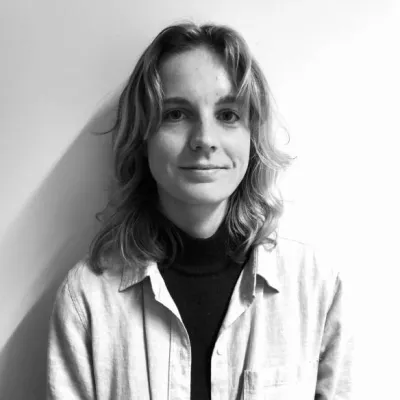
Claire Burban Doctoroal student
Doctoral student in geography (lab page)

Margaux Bonnardot Doctoral student
Doctoral student in health studies (lab page)
-
Creating a static professional website
Another option is to create a static website with a few pages using free online tools such as:
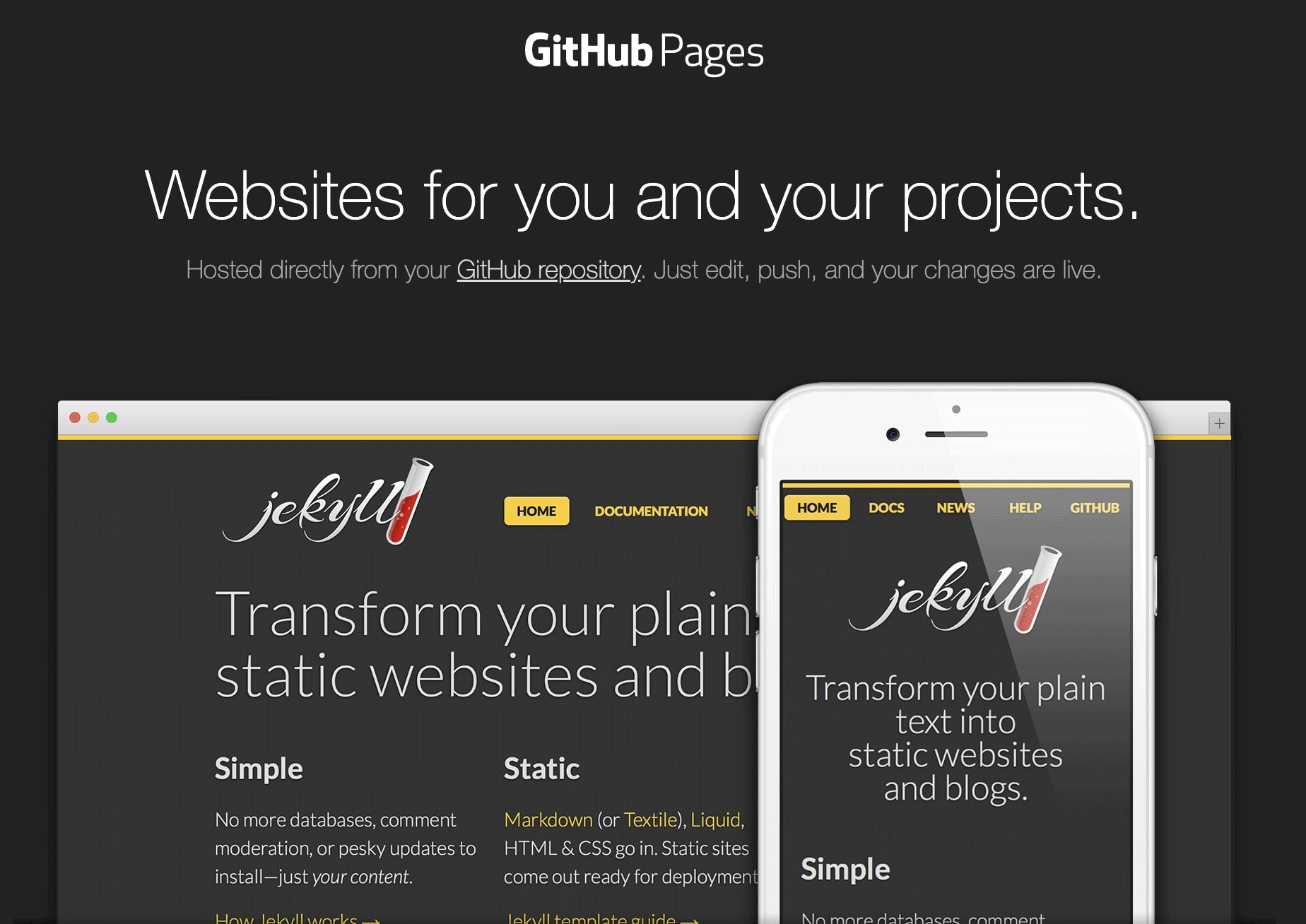
Creating a web site requires certain skills but you don't need to be a developer to publish a static site using these tools. Any researcher who is moderately proficient with a text editor should be able to create one.
Basic proficiency with Git is a plus, though it’s not essential.
Static sites are lightweight alternatives to dynamic sites generated by CMSs (Content Management Systems) such as Wordpress or Drupal. These remain valid options, whether they are third-party hosted (e.g., Huma-Num for Hypotheses.org (opens in a new tab) by your university, or by yourself on a server to which you have access.
Further insights
Researcher Jisell Howe, on one of her website pages (created with Quarto), explains how and why she dropped a dynamic website on WordPress servers in favor of a static website published via a GitHub repository. This post provides a fairly comprehensive overview of the procedure.
-
Integrating your HAL publication list
Whether you are using a static or dynamic site, you can upload your updated list of HAL publications:
- For static sites, use SpirHAL, which automatically generates a list of your publications on HAL.
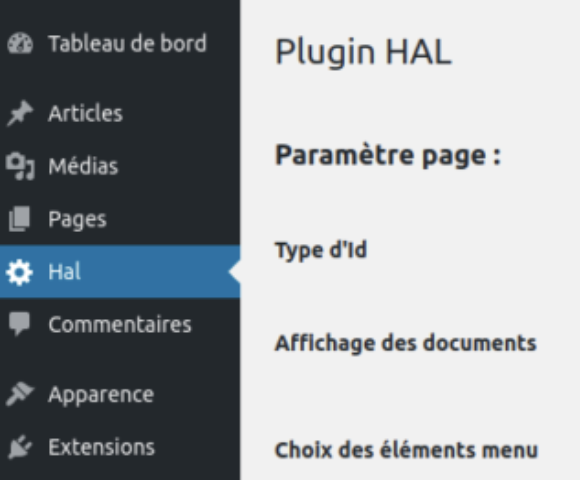
- For CMSs such as WordPress or Drupal, specific HAL extensions are available (extension WordPress, extension Drupal)
-
-
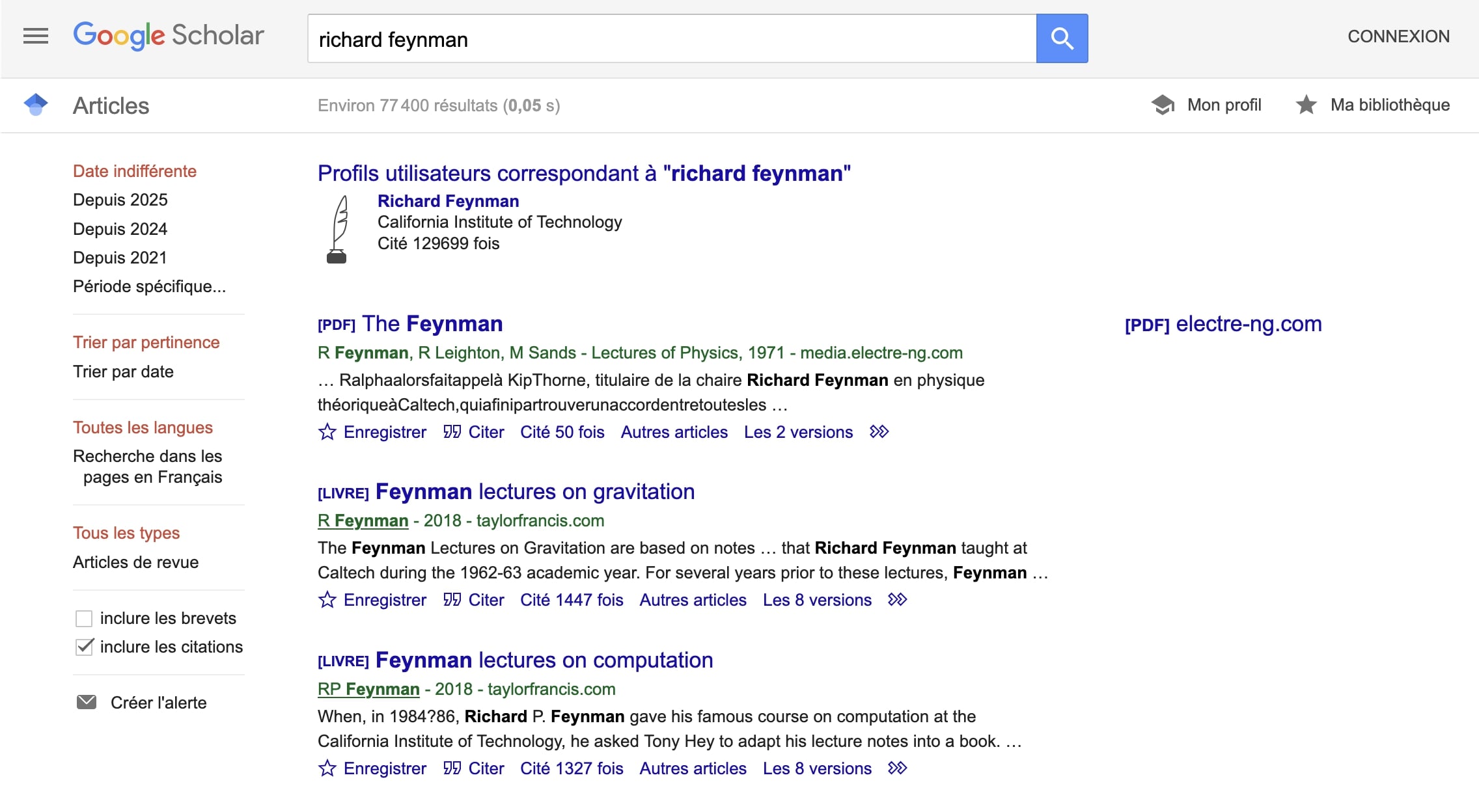
Creating your Google Scholar profile
Google Scholar is an academic search engine launched in 2006. It remains the benchmark search tool in the world of science. It is therefore a good idea to create a profile and make sure that your publications are indexed and referenced in it.
Journalists often use Google Scholar profiles alongside institutional web pages to assess a researcher's expertise in a given field. The bibliometric data on publications visible via the profile need to be treated with caution, like any other data provided by indexes over which we have no control. What matters is to make sure that most of your publications are visible in your profile, regardless of the number of citations attached to each one.
Follow the tutorial provided by the University of Montreal libraries to set up your profile. If you already have one, proceed to the next step.
How to set up a Google Scholar profile and why you need one (in French). Bibliothèques UdeM (YouTube). Creative Commons Attribution License (reuse permitted)
-
Social media presence
Social media for scientists
Social media such as ResearchGate (all fields) and Academia.edu (focused on the humanities and social sciences), have become essential tools for researchers. They promote knowledge sharing, collaboration, and research work visibility. These platforms also allow you to create detailed profiles, upload and share your publications, track your work’s impact through readership and citation metrics, and connect with researchers around the world.
You need to tread carefully, however, when navigating these platforms. Intellectual property issues and the inconsistent quality of the papers listed must be taken on board if you want to maximize the benefits while limiting the risks.
Check the following table to help you choose the network best suited to your needs.
Details Academia ResearchGate Number of members 233 million 25 million Users Publicly funded researchers Academics Privately publicly funded researchers, Journalists and others Number of documents 47 million 160 million Types of documents Texts - Vidéo Texts, diagrams, research data, code, etc. Document downloads Yes Yes
(with author's permission)Profiles/Contacts/CV Yes Yes Blogs, Q&A Groups Yes Yes
NoCollaborations (on projects or conferences) No Yes Document comments No Yes Statistics Profile + document viewing Yes (very detailed) Source: CNRS. Sharing and showcasing your research via social media, 2023.


Academia
A social network for scientists focused on the humanities and social sciences.
Academia siteBy leveraging these benefits, you can boost your visibility, develop your professional network, stay informed, and seize new collaboration or employment opportunities.
-
Microblogging social networks
The following microblogging social networks can also help you increase your online visibility and communicate and exchange ideas on your research with the scientific community. You can use them to showcase your thesis and your work, by increasing the number of related citations in particular.
Mastodon and BlueSky are decentralized social networks and are currently the most widely used in academia. Choosing a decentralized network like the Fediverse on Mastodon promotes openness, transparency, and control. To join the Fediverse, create an account on one of the existing instances, which in no way prevents access to publications from other instances, in fact quite the opposite.
Benefits of using a microblogging social network:
- Visibility and professional influence
- Developing your professional network
- Monitoring and continuous learning
- Community engagement and facilitation
-
Sharing content and expertise
- Personal brand management
- Easier access to new opportunities
By leveraging these benefits, you can boost your visibility, develop your professional network, stay informed, and seize new collaboration or employment opportunities.


-
LinkedIn, the professional network
As a doctoral student, a LinkedIn profile can help you:
- Establish and showcase your professional profile online
- Expand your professional and academic network
- Stay tuned with updates and trends in your field
- Boost your visibility and nurture your brand image
- Search for jobs or postdoctoral opportunities
Be active on LinkedIn
- Publish posts related to your research work
- Join LinkedIn groups relevant to your scientific community
- Interact with your contacts (colleagues, collaborators, etc.)
- Keep up with developments in your field
Keep your LinkedIn profile up to date, keeping it relevant with your career path and current activities. Good housekeeping will help you gain visibility and make a name for yourself within your scientific community.

-
-
The first part of this module focused on creating your digital ID and enhancing your work’s visibility. Thesecond part will introduce a set of tools to promote and share your research work, both with the academic community and with the general public.
The aim is to help you promote your research output through formats, channels, and practices tailored to different audiences and contexts.
Please note: this chapter will not address the issue of publishing in scientific journals, a topic already covered in the course on Publishing in scientific journals: challenges and practicalities in the digital age available in Callisto.
-
-
List your thesis on theses.fr
The theses.fr search engine (opens in a new tab) lists PhD dissertations defended in France since 1985 (approximately 468,000), as well as those still forthcoming (approximately 80,000). Launched in July 2011, it’s a valuable tool for getting started on a state-of-the-art review and offers doctoral students and young researchers greater visibility for their work both on the academic level and in economic circles.
Two professional applications feed into this database:

-
Important
You only have the right to modify ongoing thesis data. Defended thesis are deemed to have definitive archive status.
To report any changes, doctoral students and doctors can use a specific tab on the platform.
 Report an error
 -
Les Doctoriales (Young Researcher Days)
“Les Doctoriales” (Young Researcher Days) are residential professional development seminars for doctoral students. These three- to five-day events are organized by doctoral schools or universities. They aim to makeresearchers more familiar with their socio-economic environment and give them the opportunity to develop their transferable skills and employability.
The program includes collaborative workshops, mock job interviews, meetings with business leaders, and sessions on possible career paths after graduation.

Illustration generated by Le Chat - Mistral AI, 2025
These events help participants to showcase their skills beyond the academic setting, expand their professional network, and gain a better understanding of the expectations of the job market in various sectors.
-
-
-
Designing and presenting scientific posters
A scientific poster is a concise visual aid that researchers use to present their work at academic conferences or conventions. Posters are the preferred format for visual presentation sessions, by more effectively combining concise text, graphs, tables, and illustrations to convey research issues, the methodology used, the results obtained, and the main conclusions.
Scientific posters follow specific layout and information organization rules, while giving researchers the opportunity to engage in in-depth discussions with interested parties.
This scientific communication tool often provides doctoral students with their first opportunity to present their work in progress and gather valuable feedback from their peers.
There are two types of posters: those designed for a wider audience and those used for peer presentations.
Posters for a wider audience
- Target audience: fellow researchers in the field
- Aim: to present detailed research results
- Style: more technical, precise data, rigorous methodology
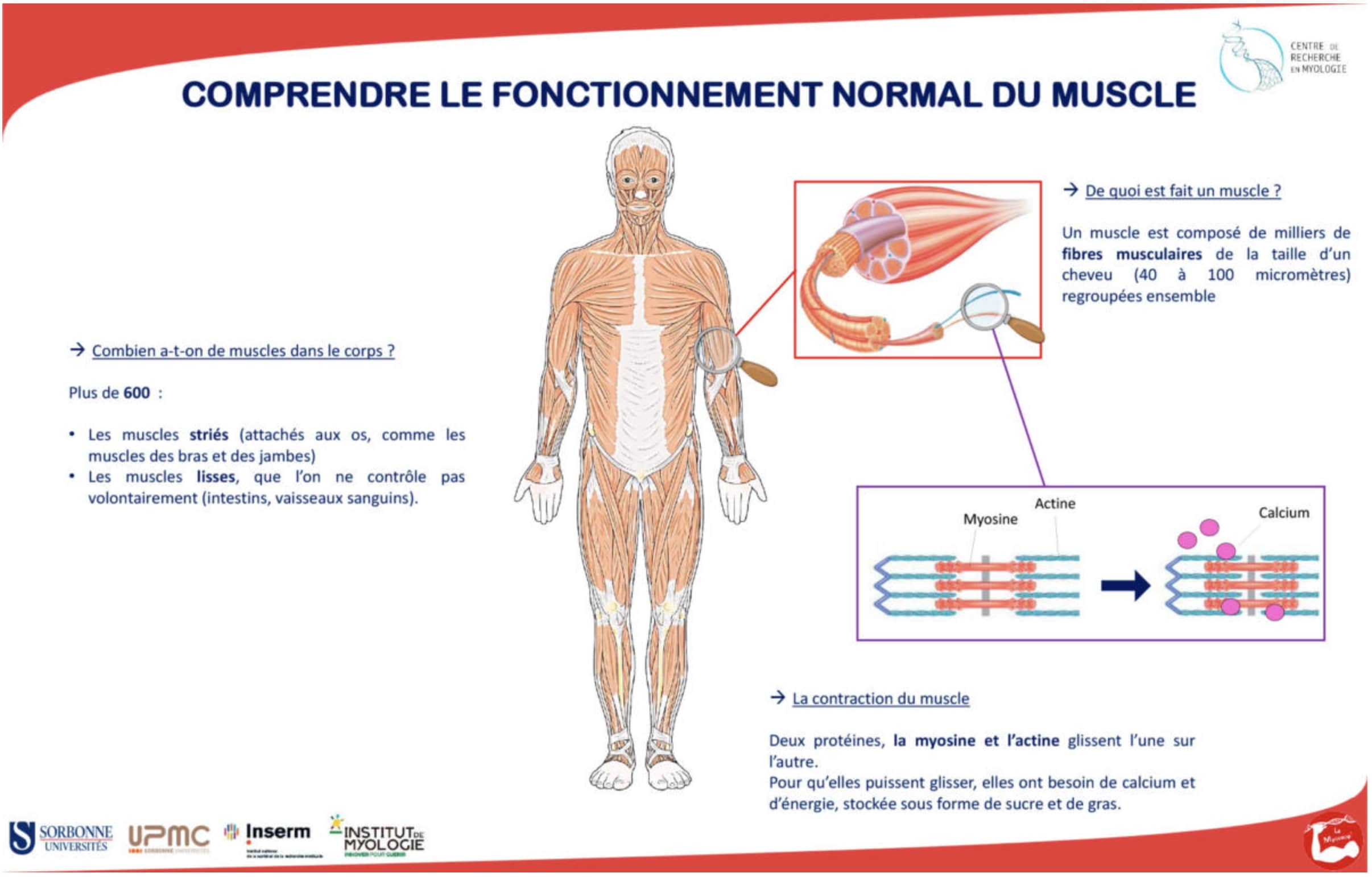
Dissemination of knowledge - science festival - poster - understanding normal muscle function. Myology Research Center.
Peer presentation posters
- Target audience: fellow researchers in the field
- Aim: to present detailed research results
- Style: more technical, precise data, rigorous methodology
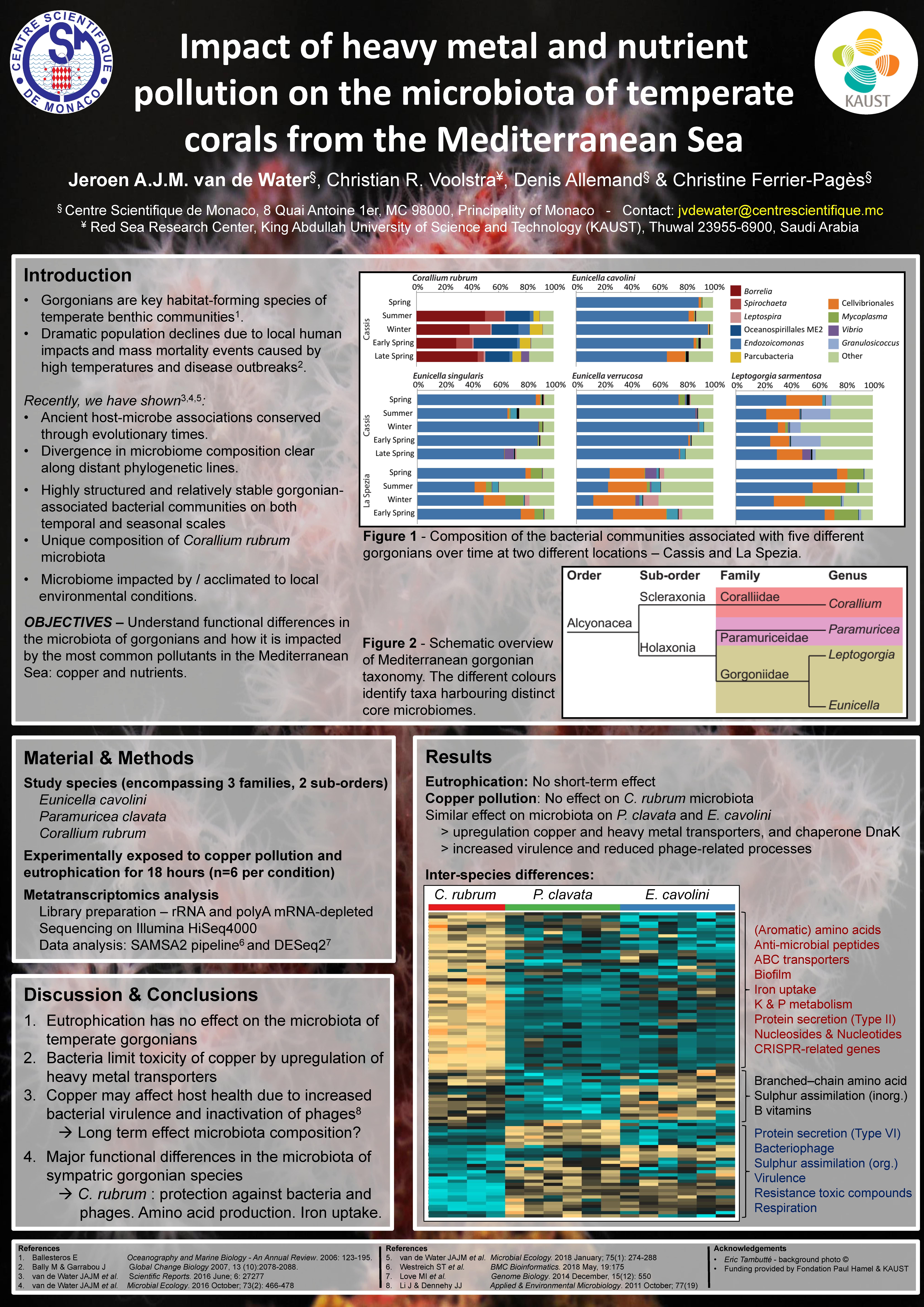
ISME Conference, Leipzig, Germany, August 12-17, 2018 Impact of heavy metal and nutrient pollution on the microbiota of temperate corals from the Mediterranean Sea van de Water J. A. J. M. (Ecophysiology & Ecology Team). Centre Scientifique de Monaco
-
Contributing via Wikimedia
Wikipedia...
Wikipedia is a collaborative, multilingual online encyclopedia launched in 2001. It allows volunteers from around the world to create and edit articles on a wide variety of topics.
For researchers, Wikipedia can be useful as a starting point to get a general overview of a topic, identify reliable sources through cited references, and keep up with the latest updates in various fields.

-
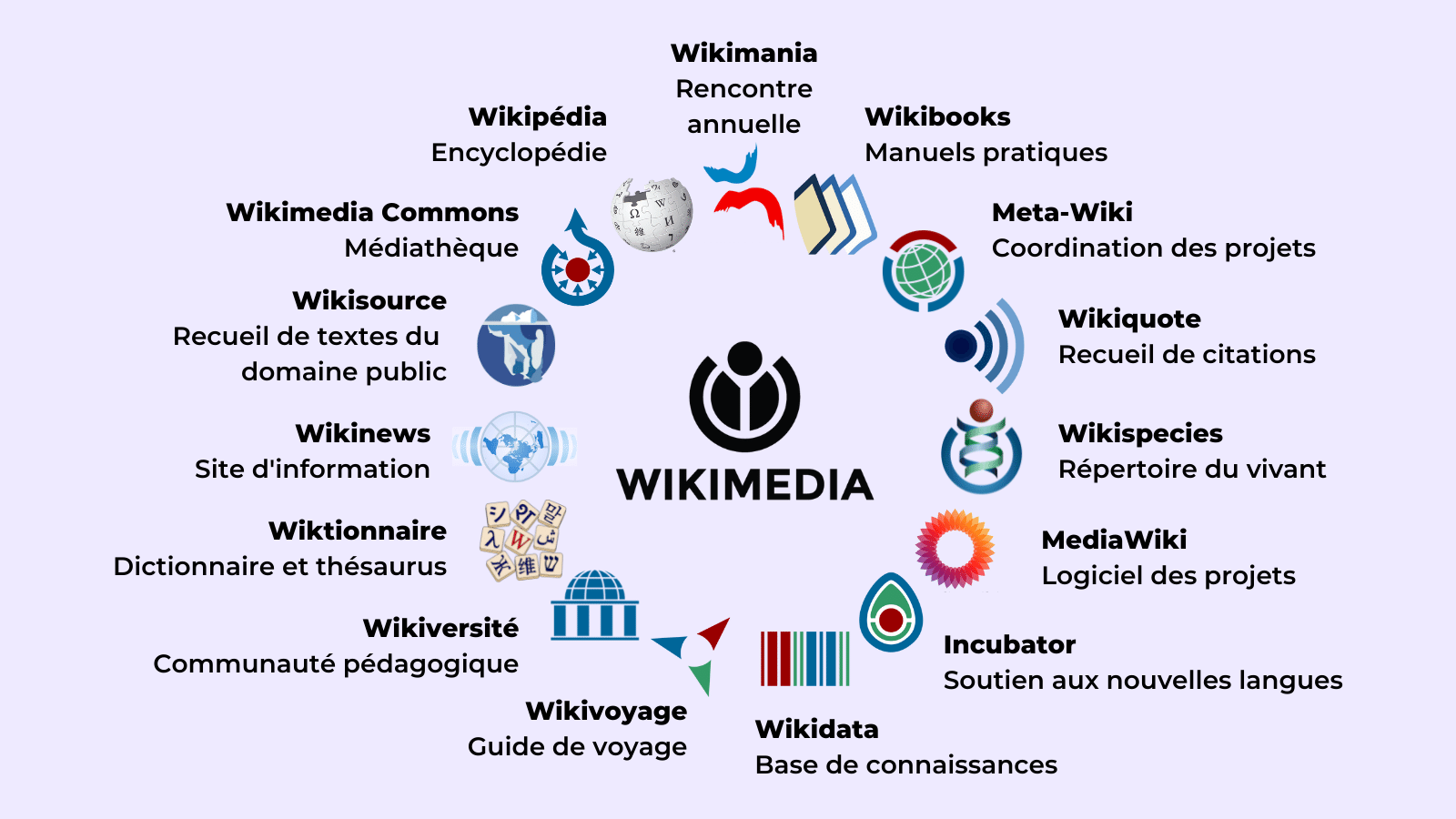
Les projets Wikimédia - Wikimédia France.
...And other Wikimedia projects
The Wikipedia encyclopedia and all the projects that are part of the Wikimedia environment (Wikidata, Wikimedia Commons, Wikisource, etc.) can also enable researchers to share their activities and knowledge with a wider audience seeking access to research results.
-
-
-
-